Get back the focus that never landed
Rebuilds the edges of a soft or out-of-focus photo. You see the result before you decide anything.
Drop your photo here
or · up to 40 MB
Edges where there used to be a smudge
The model works out what the original edge looked like and rebuilds it, instead of raising the contrast around it the way old-fashioned sharpening does, which only leaves halos.
Drag the line. It is the same view you get in the editor.

 AfterBefore
Upload, compare, download
- 01Upload the photo
JPG, PNG, HEIC or WebP, up to 40 MB. Sharpening starts on its own: there is nothing to set.
- 02Compare the result
Drag the line to see the difference at full size before you decide anything.
- 03Download at full size
As PNG, with no re-compression. The photo stays in your panel to convert or upscale later.
Three problems, one tool
AfterBeforeAutofocus went to the background and left the subject soft. It gives the edge back to hair, eyes and clothing.

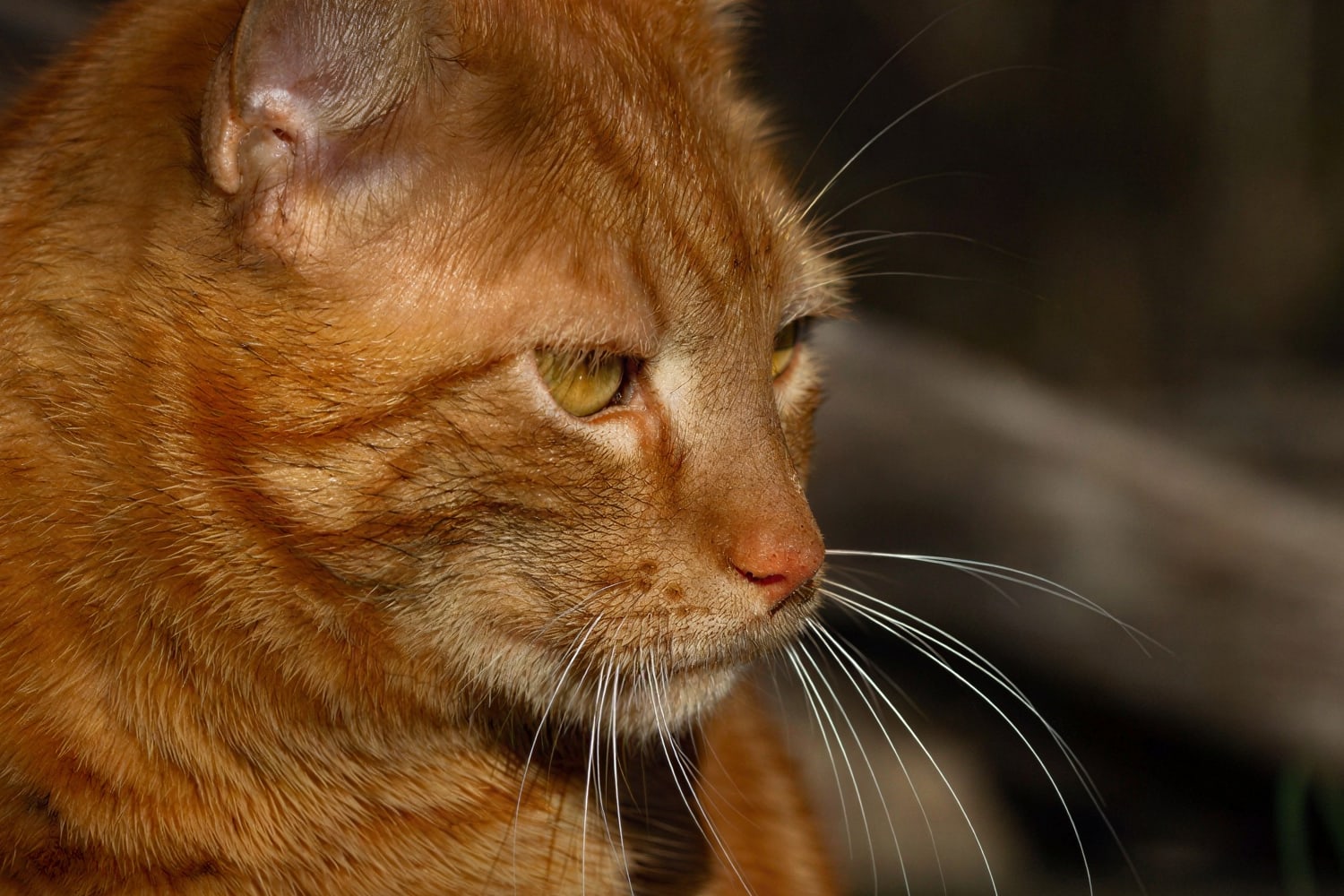
 AfterBefore
Handheld indoor shots, low light and a wide-open lens: the face gets its detail back.
 AfterBefore
Documents, clippings and scans made on curled paper: text and thin lines read better.
From the portrait to the document
The indoor, handheld, low-light ones, which are the ones that come out soft.
Contracts, receipts and notes where all that matters is being able to read them.
Close-ups and macros where the focal plane ended up an inch in front of the product.
Weddings, concerts and sport: moments nobody can go back and shoot again.
Around 20 seconds per photo, at full size. Up to 50 megapixels per image.
Your photos never train any model, and the preview is deleted the next day.
Same resolution in and out: it sharpens, it does not reframe or enlarge.
If your problem is a different one
Multiply the resolution 2× or 4× without the pixels showing. For printing or for big screens.
Upscale an image Enhance imageClears noise, recovers fine detail and fixes compression, at the same resolution.
Enhance an imageCuts out the subject and leaves the background transparent, with hair and fine edges properly resolved.
What people ask before uploading a photo
No. No model fixes motion blur today, and we would rather say so before you upload anything. This is for focus that never landed, not for a shaken shot.
Try it with whatever photo you have to hand
In 20 seconds you see it sharpened, in your browser and with nothing to install.