Make it bigger without the pixels showing
2× or 4× real pixels, with edges and textures rebuilt. You see the result before you decide anything.
Drop your photo here
or · up to 40 MB
Four times bigger, and still sharp
This is not a stretch: the model rebuilds the missing edge and texture, so the photo grows without the softness and the jagged edges of ordinary resizing.
Drag the line. It is the same view you get in the editor.
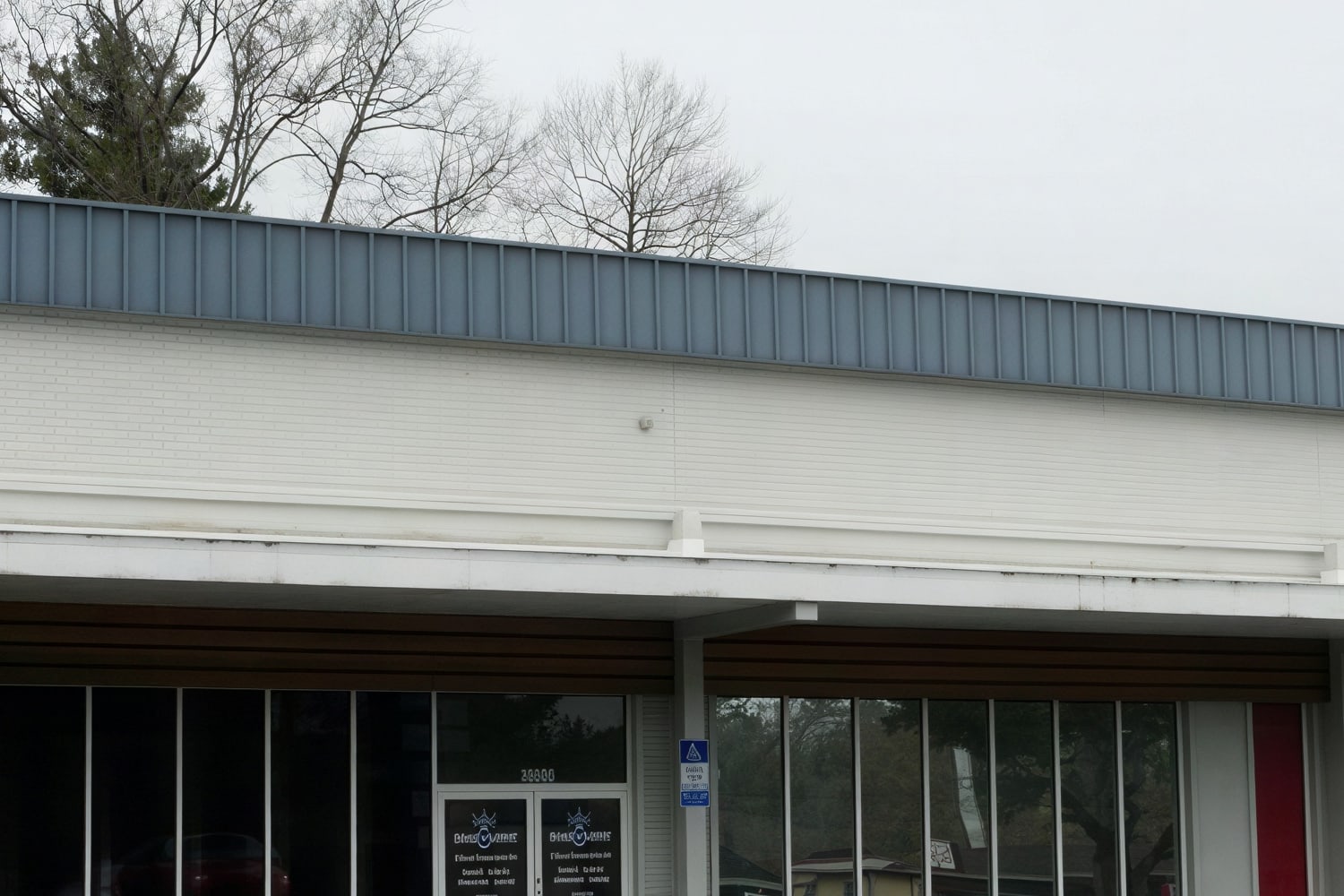 AfterBefore
Upload, pick the size, download
- 01Upload the photo
JPG, PNG, HEIC or WebP, up to 40 MB. Upscaling starts on its own at 2× and takes a few seconds.
- 02Pick 2× or 4×
Each option shows the final size in pixels. Change the factor and apply again.
- 03Download at full size
As PNG, with no re-compression. The photo stays in your panel to convert or enhance later.
Three problems, one tool
AfterBeforeA phone original will not carry a poster. At 4× there is density to spare for A3 or canvas.
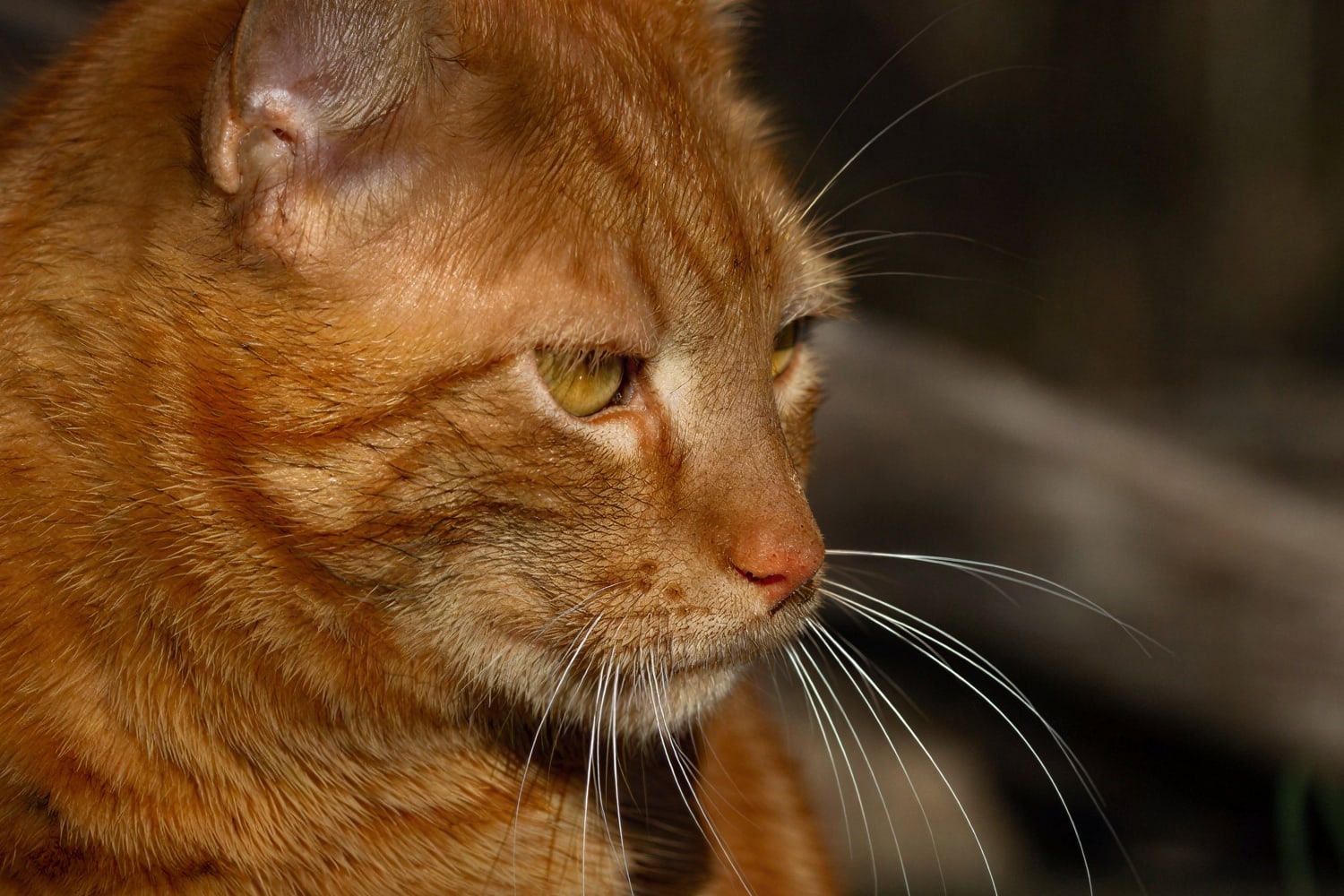 AfterBefore
What looked fine on a website ten years ago falls short today. Upscaling gives back the pixels those screens ask for.

 AfterBefore
Thumbnails, logos and 400 px catalogue shots that have to be used large without showing jagged edges.
From the poster to the product page
Posters, banners and stands built from an original that fell short on resolution.
Listings that demand 1,600 px on the long side when the supplier photo is 600.
Low-resolution scans and photos from cameras twenty years old.
Images that are going to fill a whole screen or a whole page.
Around 5 seconds per photo. Up to 50 megapixels in and 95 out.
Your photos never train any model, and the preview is deleted the next day.
It scales what is there: it does not change the framing, the colour or crop anything.
If your problem is a different one
Clears noise, recovers fine detail and fixes compression, at the same resolution.
Enhance an image Sharpen imageFor photos that are genuinely out of focus, not just soft. The model rebuilds the focus.
Sharpen an imageCuts out the subject and leaves the background transparent, with hair and fine edges properly resolved.
What people ask before uploading a photo
An editor spreads out the pixels that are already there and the result comes out soft or jagged. Here the model rebuilds the missing detail: clean edges and texture where there should be some.
Try it with whatever photo you have to hand
In a few seconds you see it at twice the size, in your browser and with nothing to install.